Windows Hello simplifies logging in
Just like in sci-fi movies, Microsoft’s biometric logins can now recognize your face, fingerprint, or eyes when you attempt to access your device. Here’s everything you need to know when setting up Windows Hello.
Say hello to fingerprint, iris, and facial scans
Windows Hello is an advanced biometric identity and access control feature in Windows 10. It allows you to log in to your computer without the need to enter a password.

Windows 10’s declutter tools clean up your PC

Is your PC running slowly? It could be because of all the digital clutter it has to deal with. Clutter can impede your computer’s performance and eat away at its memory. To have your computer performing at top speed again, you need to get rid of these five types of clutter.

Preparing for Windows end of support

Microsoft only supports each version of Window for a certain period and the end of its support for a software product can be a significant challenge for businesses. Currently, Windows 7 is on "extended support" until January 14, 2020. What does it mean when Microsoft terminates support of your Windows version? Let’s have a closer look.

Windows 10 October 2018 best features

Windows 10 is developed as a service, and regularly receives patches and bug fixes. It also gets feature updates at least twice a year, and 2018 is no different. This October, Microsoft unveiled the October 2018 update, also known as Redstone 5, which comes with some amazing new features.

Quick guide to Windows 10 notifications

Microsoft has equipped Windows 10 users with a comprehensive set of tools to get their action center settings under control. Unfortunately, most desktops come with an abundance of software and features that result in more notifications. If you’ve reached the point of oversaturation, these three tips can help you better manage your action center.

Windows 10: Your PC, your way

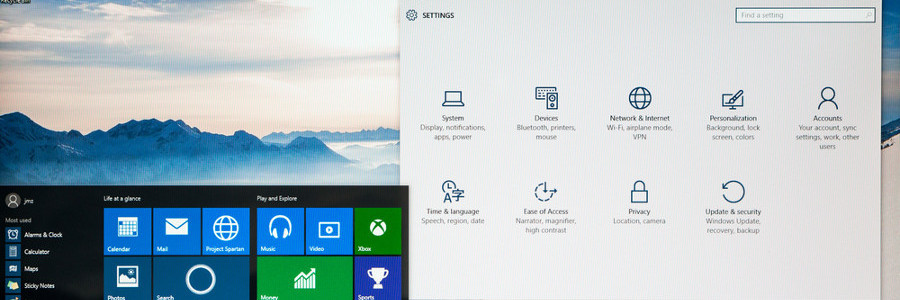
Whether you want to have a darker color scheme, run several apps at the same time, or display multiple desktops, Windows 10 gives you many options to personalize your PC. And while some customization options are less obvious than others, it is worth the effort to get your Windows 10 to look and function the way you want it to.

4 ways to speed up Windows 10 for free

If your Windows 10 computer is starting to slow down after some time, there are ways to make it run faster without breaking the bank. The following tips will improve your computer’s performance without the need for more hardware.

Prevent programs from launching at startup
Windows loads several programs at startup so they’re quickly available.

How to protect private info on Windows 10

Speculation has been circulating that Windows 10 gathers more info than it should. Whether or not you think privacy lines have been breached, here are some tips to protect your privacy in a matter of clicks.
Slip off the grid
Thanks to location tracking, nearby restaurants and future weather predictions are at your fingertips.