
macOS Catalina, Apple’s next major update to its Mac and MacBook operating system (OS), is all set for a late-September 2019 release, and Mac users the world over can’t wait to unpack its new features and updates. Here’s what you can expect from the latest macOS.
Music, Podcast, and Apple TV apps
At the 2019 Worldwide Developers Conference in June, Apple announced the end of iTunes.
Exciting features to expect from macOS Catalina

Put an end to annoying notifications on your Mac

Have you ever cursed your computer for inundating you with annoying notifications? Alerts about calendar events, new emails, and app updates are supposed to be helpful, but seeing too many may hurt your productivity. Thankfully, Mac users have a swift and simple tool to get everything under control.
WWDC 2019’s biggest reveals
The Apple Worldwide Developers Conference (WWDC) is basically Apple’s launch party for its newest updates — from new devices, most important software patches, and other exciting news. There were a lot of updates in the conference, so we’ve compiled some of the most notable changes for you.
10 Tips for a clutter-free Mac

Before long, your Mac will become too cluttered, making it too cumbersome to find the right applications, files, or links. Decluttering the items on your computer would do wonders for your productivity, creativity, and stress levels. But how do you do it?
#1 Clean up your desktop
The desktop is a convenient location for storing files and shortcuts, so it tends to become messy within a short amount of time.
5 Tips for customizing a new iPad

Apple’s iOS has been through countless updates over the years. It’s hard to keep up with all the new features and settings, so we don’t blame you for feeling overwhelmed with how to set up a new iPad. Although every user has different preferences, there are at least five configurations most people can agree on.
Protect your Mac from malware

It is common knowledge that Windows computers tend to deal with an assortment of viruses and malware, but many people fail to realize that even Macs face similar threats. Virus creators have become adept at finding back doors and other vulnerabilities, that even Macs can be targeted.
Get your new MacBook up and running
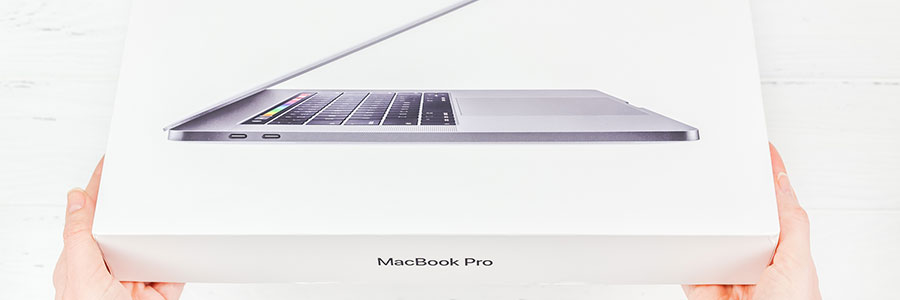
The latest models of the MacBook have won over millions of people, not least because of their high-end look and feel. They also offer plenty of power to do a wide range of work-related tasks and much more. Set up your new MacBook and enjoy all it has to offer in seven easy steps.
Secure your Mac before discarding it

Today’s computer users often forget or are unaware of how much sensitive information their devices store. The ability to save passwords, credit card numbers, and personal messages is undeniably convenient, but it’s also a huge liability. If you’re thinking about getting rid of your Mac, make sure to follow these steps first.
Check out iOS 12’s security & privacy features
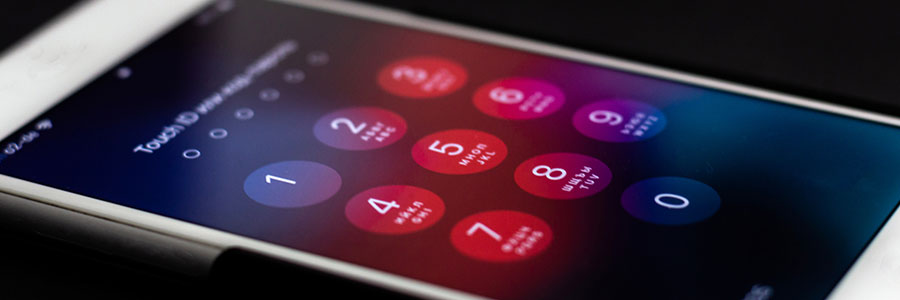
iOS 12, Apple’s latest mobile software offering, is finally available, and it promises to be better at keeping your data locked down. Here are some tweaks that you can make to boost iOS 12’s security and privacy settings.
Set a stronger passcode
iOS 12 now requires six-digit passcodes, and this means hackers will have a harder time cracking your passcode through a brute force attack.
Should you get an SSD for your Mac?
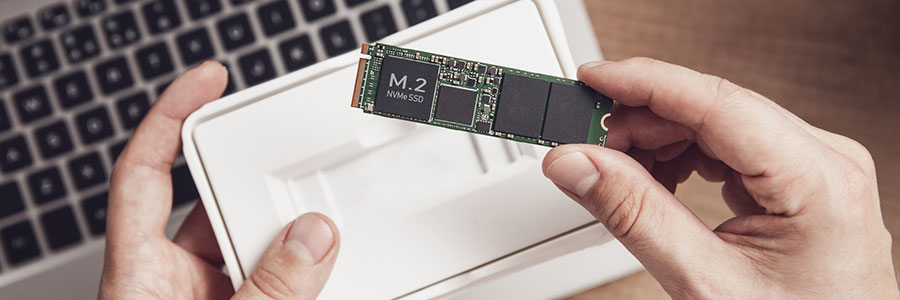
In recent years, solid state drives (SSDs) have replaced hard disk drives (HDDs) as the storage option of choice on personal computers, Mac devices included. Here are some of the numerous advantages of updating your Mac with an SSD.
They’re faster
SSDs have the clear advantage over HDDs in terms of data access speed.
