Proven tips for caring for your computer and other hardware

With time, pesky dust and dirt build up sneakily within your device and can lead to overheating or failure. Heed our expert advice and make your computer's care a breeze.

Regularly clean computer components

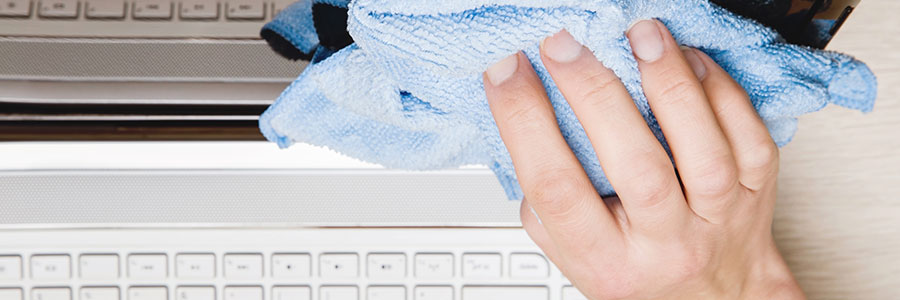
Make it a habit to keep your monitors and peripherals clean by gently wiping them with a microfiber cloth specifically designed for computer components.


Are you using this WordPress checklist yet?

Many will immediately blame hackers for an extremely slow website or being delisted from search engines, but that’s not always the case. When it comes to managing your WordPress website, how sure are you that all your bases are covered? If not, you might want to give this WordPress maintenance checklist a try.

The ideal keyboard setup

Think of your keyboard as your lover: you spend time with it, caress it, and you sometimes fight with it. But when your keyboard starts to age, you could have a hard time typing even simple words or executing basic commands. They say the greatest expression of love is to let go, so love yourself and let go of your old keyboard.

Manage your WordPress with this checklist

Wake up. Take a shower. Get dressed. These are just some of the numerous tasks we do every single day. They may not be fun, but they are essential to our daily routine. Managing a website is very much the same. By going through the necessary steps, you can ensure the speed and security of your website.

Components of a good keyboard

Like new cars and smartphones, new keyboards are also initially alluring enough to elicit everyone’s oohs and ahs. But as their novelty fades, it’s easy to start taking them for granted. Is typing on them slower than before? Is the gaming experience they deliver no longer up to par? Whether for leisure or business purposes, good keyboards really make a difference.