
Windows 11 may be optimized for modern devices, but even newer PCs can experience slowdowns. If your system feels sluggish, don't worry — there are simple adjustments you can make to boost performance.
Disable unnecessary startup programs
Many programs are set to launch automatically when Windows starts.
Give your Windows 11 PC a performance boost

What to prioritize when choosing computer hardware for your business
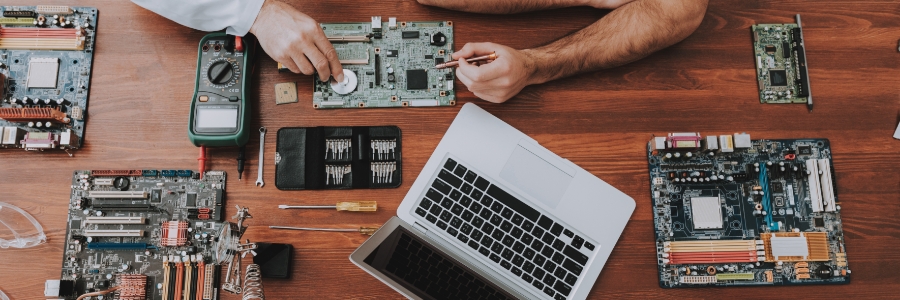
With an overwhelming number of options on the market, choosing the right computer hardware for your business can feel like a daunting task. The challenge is finding the perfect balance between cost and reliability without overspending on features you don’t need.
6 Proven ways to make your iPhone run faster and smoother

iPhones aren’t perfect, and over time, performance issues are almost inevitable. Fortunately, there are several ways to tackle these issues. Here are five proven hacks to get your phone back to optimal speed and smooth functionality, no complicated tech skills required.
Is it time to replace your Mac?

If you’ve owned a Mac for quite some time, it’s probable that you’ve encountered a few problems with it. After a while, using it can be more of a hassle than a convenience. If you’re already experiencing some major problems, it may be time to replace your Mac.
Don’t get hindered by slow Windows 10 updates!

Keeping up with Windows 10 updates is vital if you want your computers to have the latest features and security fixes. However, Microsoft’s operating system can take hours to update, especially if a significant change is being released. Fortunately, there are a few things you can do to speed things up.
Is it finally time to buy a new Mac?

Have you been recently experiencing problems on your Mac computer? Are you wondering if you should shell out some cash for a new one or if it’s better to stick to your current device? If so, we are here to help. In this article, we list down the surefire signs that you need to buy a new Mac.
Get Windows 10’s November 2019 Update now

With the Windows 10 November 2019 Update, your desktop or laptop will get some small but important tweaks to its systems. If you haven’t already, install the latest update to start enjoying the latest performance-enhancing improvements to Windows 10.
Also known as Windows 10 version 1909 or 19H2, the Windows 10 November 2019 Update can be installed by heading to Settings > Update & Security > Windows Update.
Windows 10 updates won’t be slow if you use these tricks

Windows 10 users are well aware that installing updates can take a long time. We hear users complaining about it all the time. Why are Windows 10 updates so slow, and what can users do? Here’s our take.
Why do updates take so long to install?
Windows 10 updates take a while to complete because Microsoft is constantly adding larger files and features to them.
Quickly update Windows 10 with these tips!

In May 2019, Microsoft will be releasing another Windows 10 major update with security patches, bug fixes, and new features. More than improving user experience, these updates will help your organization secure your IT systems. If you can’t afford to let an update be a long and frustrating process, here are some tips that will speed it up.
What’s causing slow Windows 10 updates?
Keeping up with Windows 10 updates is absolutely critical if you want the latest features and security fixes on your computers. However, the updates can take hours, especially when a major new feature is being released. Fortunately, there are a few things you can do to speed things up.
- 1
- 2
