
Windows 11 has powerful productivity features that many users often overlook or underuse. In this blog, we highlight these features and discuss how they can improve your workflow and time management.
Snap Layouts
Snap Layouts lets you organize your workspace in new ways.
7 Ways to boost your productivity in Windows 11

Windows 10 and 11 keyboard shortcuts you need to know
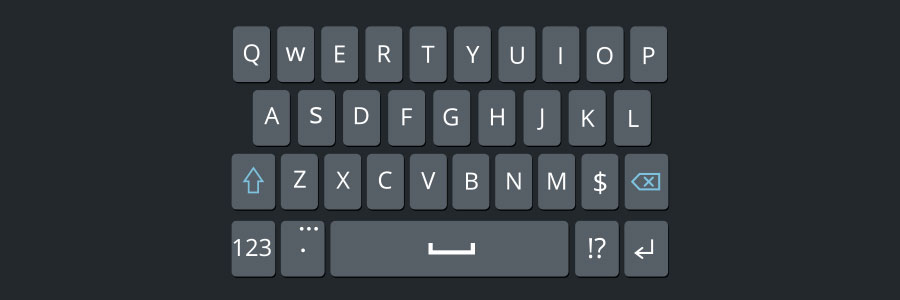
Using keyboard shortcuts activate computer commands faster than dragging a mouse. If you’re using Windows 10 or 11, you may want to try out the following keyboard shortcuts.
Snap
Snap allows you to put two to four windows side by side, making it easier to compare documents or do two things at the same time.
Cutting IT hardware costs with thin and zero clients

If you want to cut costs on IT hardware, don’t settle for cheap but old or low-quality machines. They’ll offer subpar performance, which will hurt your team’s productivity. What’s worse, they’ll break down often, too, which means the money you initially saved will go to repairs and upgrades.
Keyboard shortcuts you can use in Windows 10
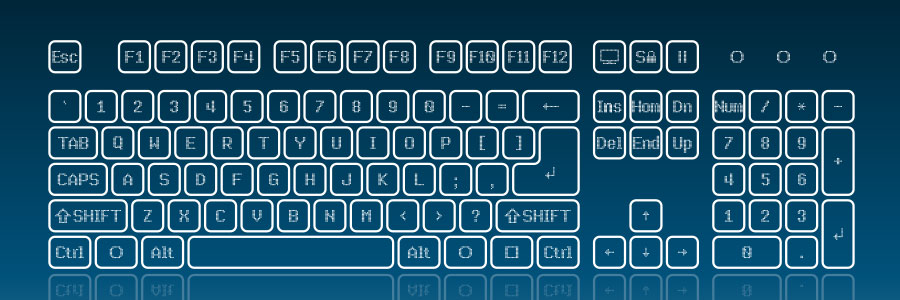
Technology makes work easier, and something as simple as keyboard shortcuts can save you a lot of time. If you have a Windows 10 computer, then you may find these keyboard shortcuts very handy.
Snap
If you’ve never used Snap, then you’re missing out on one of Windows 10’s key features.
Cut your IT costs by investing in thin and zero clients

Cutting costs is great for business, but only if doing so does not result in lower-quality products or services. You can achieve this kind of compromise in your IT system, too. Instead of investing in expensive computer hardware, you can opt for affordable but powerful thin and zero clients.
Keyboard shortcuts you can use in Windows 10
It’s undeniable that using keyboard shortcuts activate computer commands faster than dragging a touchpad or a mouse. To that end, if you’re using Windows 10, there are a couple of new keyboard shortcuts worth trying.
Windows Snapping
If you’ve never used Windows Snapping, you’re missing out on one of Windows 10’s key features.
Save money with thin and zero clients
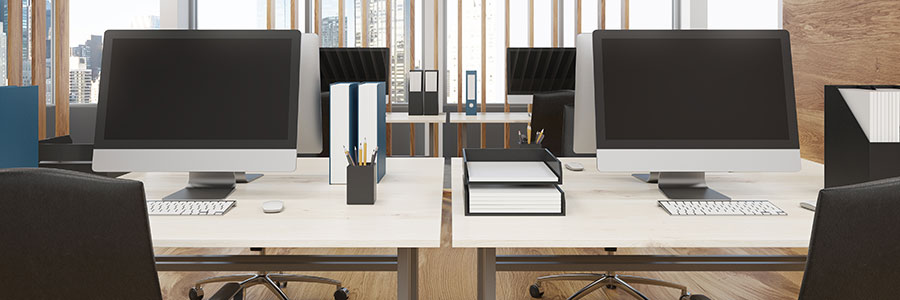
It’s no secret that cutting costs is one way to increase profit. When it comes to tech, most businesses do this by bringing their operations to the cloud, hiring pay-as-you-go service providers, and uninstalling unnecessary software. Another way to reduce costs is by swapping bulky desktops for thin or zero clients.
Here are 5 types of virtualization

For many businesses, managing and maintaining their entire hardware and software infrastructure can be a daunting and prohibitively expensive task. But with virtualization, this is no longer an issue. Virtualization allows businesses to maximize the use of their IT resources at a reduced cost -- this is why it has become so popular in the past few years.
Get fat savings with thin and zero clients

Businesses are always looking for ways to cut costs without sacrificing growth. For the longest time, many believed that they had to purchase workstations with its own processing power, RAM, and hard drive. But thanks to virtualization, companies can save money and get the computing processes they need with thin and zero clients.
Keyboard shortcuts in Windows 10
It’s undeniable that keyboard shortcuts can activate computer commands faster than dragging a touchpad or a mouse. To that end, if you’re using Windows 10, there are a couple new keyboard shortcuts worth trying.
Windows Snapping
If you’ve never used Windows Snapping, you’re missing out on one of Windows 10’s key features.
- 1
- 2
