Save money with thin and zero clients

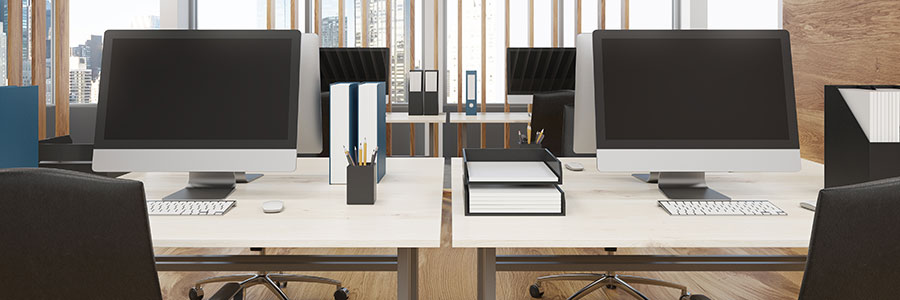
It’s no secret that cutting costs is one way to increase profit. When it comes to tech, most businesses do this by bringing their operations to the cloud, hiring pay-as-you-go service providers, and uninstalling unnecessary software. Another way to reduce costs is by swapping bulky desktops for thin or zero clients.

Obsolete firmware poses security risks

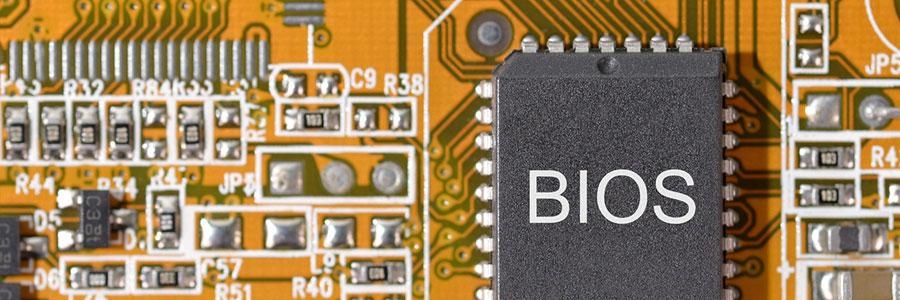
If most of your company’s computers are obsolete, they double or even triple your chances of experiencing a data breach. This emphasizes how dangerous it is to have outdated applications, operating systems, and even web browsers. Failing to update your firmware could expose your business to major security threats.

Business computers: things to look for

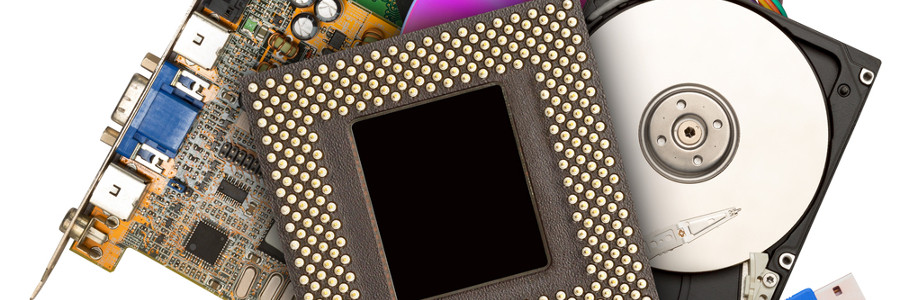
In today's business world, computers are an essential investment. Considering the tight budgets of small- and medium-sized businesses (SMB), one can't afford to invest in the wrong hardware. Which is the smartest investment, especially for startups? Laptops or Desktops?
Portability
Laptops allow you to keep working when you don’t have an electrical outlet.

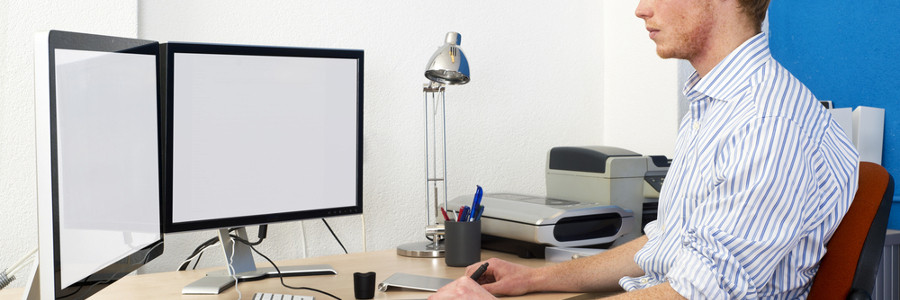
The convenience of dual monitors

Many employees are uncomfortable using two monitors at their desk, so it’s no surprise that dual monitor setups aren’t as popular as single monitor setups. But working with two screens provides ways for employees to work more productively. Here’s a look at some of the main reasons why your employees’ desktops should be upgraded to two monitors.

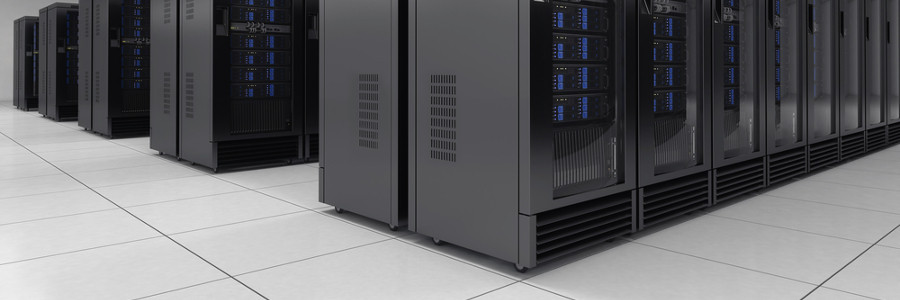
Essential Server Management: Cooling

In this day and age, almost every business employs some type of server management. If yours is hosted locally, temperature control could mean the difference between running smoothly and running into the ground. Understanding how to properly cool your servers prevents data loss and ensures the longevity of your hardware’s life.