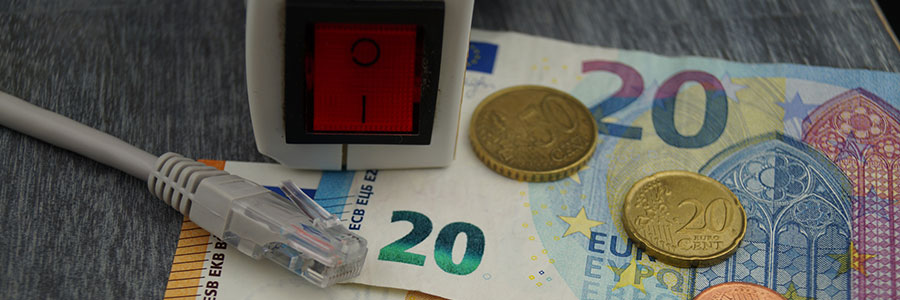
Want to save energy with your PC? Here’s how.

You want to save energy, but you need to use your PC every day. So maybe you just resort to turning off your computer when you’re not using it. But a plugged-in PC or electrical appliance, even when turned off, consumes standby power. Here are some tips on how you can save energy with your PC.
1. Disconnect your external devices
Devices that connect to your PC like printers, sound systems, and webcams consume power, too.

Can the “Black Dot” bug be fixed?

People who use iPhones, iPads, and Macs are at risk of encountering a Unicode attack that can cause the messaging app to crash and lock up the device. The good news is a workaround has been found which can restore the state of said Apple products.

What is going on?
A bug, known as "Black Dot,” is locking the messaging app on Apple devices running iOS 11.3 and 11.4 beta with Apple TVs and Apple Watches also at risk.

How to configure your new Windows 10 laptop

First things first, what should you do with your brand new laptop? You go through the Windows 10 setup, and you're all done, right? Not really. Your notebook isn’t ready -- until you do some tweaking. Let's get the ball rolling.

#1 Check for updates

Your new laptop should check for updates automatically, but you can also check manually.

Why your phone has slow internet speed

Have you ever gotten frustrated with your phone because the browser took more than five minutes to load? Before you start blaming your old phone, check out these four reasons that might be the cause of sluggish internet connection.
Router location
One simple yet overlooked reason why your WiFi-connected phone may be experiencing internet lag is because of your router’s location.

Hackers hijack PCs to steal cryptocurrency

Cryptocurrencies like Bitcoin and Monero are so popular because they’re secure and potentially worth thousands of dollars. But investors and consumers aren’t the only ones interested in them. Hackers are using malicious tactics to steal cryptocurrency, and they’re doing it with something called cryptojacking.

Enhance your new laptop in 5 steps

Getting a new laptop can be very exciting. It guarantees a more seamless user experience with faster speed, more memory, and better battery life. But it’s all for naught if you don’t take certain preventive steps before using your new machine. Discover five things you should do before you start exploring your new toy.