
Using a Google account across your devices makes many things like email, web browsing, and managing your calendar a lot more convenient. Here are five tricks you might not yet know you can do when you sync Chrome with your Android phone.
Send directions from Google Maps to your Android phone
While Google Maps works great on smartphones, it’s often easier to use on larger screens.
Why sync your Android phone with Chrome?
Google Assistant tips and tricks
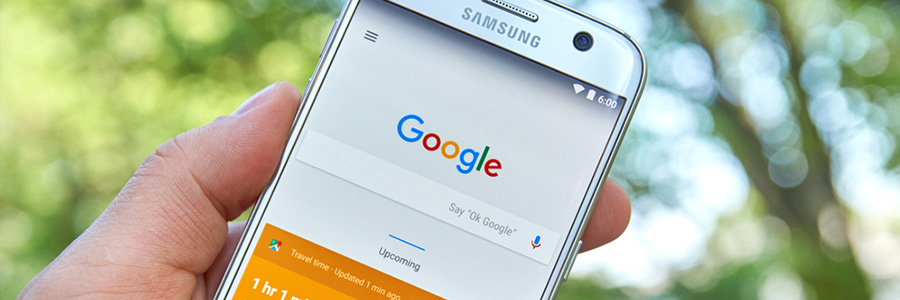
Google Assistant is a significant change to Google's search features on mobile devices. Like Apple’s Siri, Google Assistant interacts with your Android device to do a wide range of tasks. If you’ve got an Android phone, pick it up and give a few of our favorite voice commands a whirl!
Before you can start playing with Google’s AI, you need to turn on the service.
Is your Android phone malware-free?

Smartphones are like palm-sized computers, and they deserve the same protection as desktops and laptops. While you don’t need to install bulky security software to protect against cyberthreats, there are steps you can take to keep cybercriminals at bay.
How to reduce data usage on Android devices
Letting data consumption go unchecked on mobile devices can cause serious problems. It can mean slower connections, decreased battery life, and expensive fees -- things you want to avoid. Here are some tips to help you use less data on an Android phone.
A quick guide to Android backups

There’s no denying that backing up your data is important. If you don’t, a cyberattack or hardware failure could wipe out invaluable personal and professional information. This doesn’t just apply to desktops and laptops. Android phones and tablets store plenty of important data, which means they need to be backed up, too.
Get the most out of Bing’s Visual Search
How many times have you wanted to search the internet for something you didn’t know the name of? It’s a common problem that Microsoft helps solve with AI features included in its search engine, Bing. Visual Search allows users to replace text queries with images for more nuanced results and it’s now available on your smartphone.
Features of Mobile Device Management in Healthcare

Surveys and studies show that wireless device usage in the healthcare industry is growing at an exponential rate, falling in line with the general trend in today’s society. The IT staff must work harder to monitor all the devices using the network, but there are Mobile Device Management (MDM) solutions that can make their jobs easier.
Steps for deleting data from your mobile

Our mobile phones contain some of our most private data. There are contact details, confidential business emails, financial information, and possibly even risqué pictures that you wouldn’t want falling into the wrong hands. Factory reset is one way to get rid of everything if you’re moving on from your old phone, but there are a few other things you must do first.
Chrome: From HTTP to HTTPS
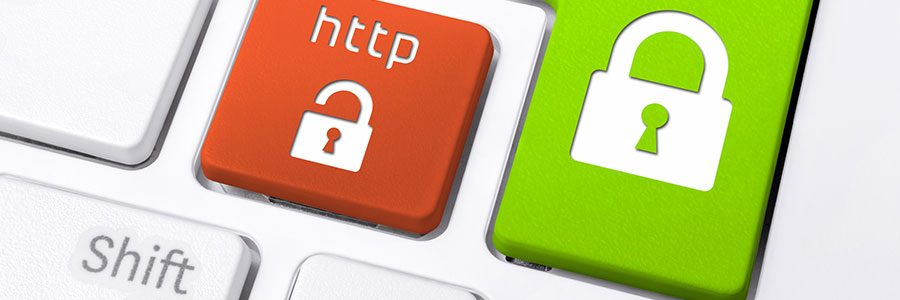
Google Chrome currently marks HTTPS-encrypted sites with a green lock icon and “Secure” sign. And starting in July, Chrome will mark all HTTP sites as "not secure.” Google hopes this move will nudge users away from the unencrypted web. Read on to learn more about the forthcoming changes.
Android vs. Apple: Which is better?
It normally takes you hours of watching phone reviews on YouTube to decide which model or brand to buy. And for your business, you assume that it’s pretty straightforward since your team will use it only for client communication. But with the multitude of efficient apps available for remote working nowadays, that is not the case anymore.
