
Privacy is a precious commodity in this era. Every website you visit or app you download leaves a digital footprint that can be tracked by anyone. Fortunately, most — if not all — web browsers offer private browsing features to keep your internet activity a little bit safer from prying eyes.
Can private browsing keep you safe?

Autocomplete password risks
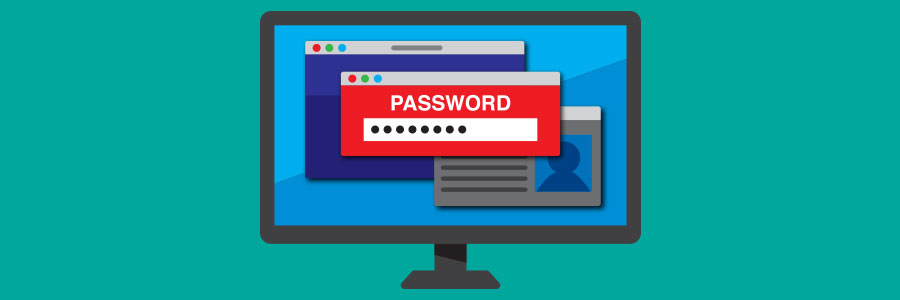
Web browsers come with features to improve user experience. One of the most popular ones is auto-fill passwords. These are designed for users to store and automatically use their account credentials to access websites and other applications. While auto-fill passwords are convenient, they come with security risks.
Easy steps to make Google Chrome faster
Google Chrome is the most popular web browser in the world with over two billion installs, one billion users, and 53% share of the market. Its speed is one of its most notable advantages over other existing browsers, which is why it’s preferred by most users.
How to pick the most secure browser

The internet is a Wild West of sorts, as one could never know what kind of threat they’ll come across. This is why for businesses, it’s important to identify secure browsers to keep threats at bay.
Microsoft Edge
Microsoft Edge, Windows’ current default browser, is an improvement over its predecessor Internet Explorer (IE). Edge was developed with Windows 10 integration and IE end-of-life in mind, resulting in a powerful and more efficient browser that has Cortana (Windows’ answer to Alexa and Siri) integration and Microsoft Store extensions.
Mobile phone biometrics enhances security

Constantly using passwords on a smartphone can be a pain, not to mention a high security risk. Luckily, popular mobile browsers like Chrome and Firefox Lite are now supporting biometrics for authentication to make logging in to social media, email, and online shopping accounts easier and more secure.
4 Useful Google apps you didn’t know you needed

Facebook, Instagram, Gmail, Google Maps, and YouTube are applications that most smartphone owners know by heart. These cross-platform apps are so popular that they tend to bury other more use within the app store. Moving away from the “Most Downloaded Apps” section will reveal plenty of helpful apps you probably didn’t know you needed, such as the four below.
PDF management features in Google’s productivity suite

For many business users today, PDFs are indispensable to the day-to-day grind — contracts, eBooks, and marketing collateral in PDF format are just of the files that businesses handle on a daily basis. But did you know that Google has made it easier for business users to manage PDFs in Google Drive, as well as provide other time-saving features in its powerful cloud service? Read on to find out more about these features.
Must-have extensions for your Google Chrome

Google Chrome is fast, clean, and versatile. It delivers a great browsing experience to users, so it’s no surprise that it has the widest user base out of all web browsers. It’s also expandable and customizable, thanks to the thousands of extensions available at the Chrome Web Store.
Understanding HTTPS
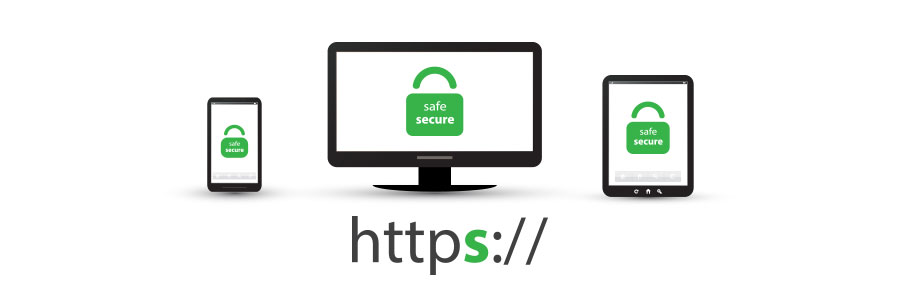
Many internet users still do not understand what the padlock icon in their web browser’s address bar is for. It represents HTTPS, a security feature that authenticates websites and protects the information users submit to them. This is an important feature that lets users know whether the site they are visiting is secure or not.
Invaluable tips for online safety
You probably go to great lengths to keep yourself safe, whether at home or in public. But what happens when you get online? Learn more about how you could be exposing yourself and your personal information over the internet so you can stay safe.
With the headlines about data breaches and cyberattacks greeting you every time you go online, it seems impossible to have a surefire, foolproof way to keep your information secure.
