
As the patience and attention span of web users decline, a minor flaw in a website can make or break a business. People want to be impressed the moment they load a website, and that rarely happens in the presence of annoying ads and videos. Google recognizes this, and has upgraded the Chrome browser accordingly.
Google Updates Chrome with New Features

Enlist IT help when installing CPU updates

It’s been three weeks since one of the worst IT security vulnerabilities in history was announced, and consumers are still receiving mixed messages about how to protect themselves. We usually encourage users to install software updates as often as possible, but when it comes to Meltdown and Spectre, that advice comes with an asterisk.
Critical browser vulnerabilities discovered

The Chrome, Safari, Microsoft Edge, and Firefox browsers may not be as safe as you think. Security researchers recently discovered that computer chips manufactured in the past two decades contain major security vulnerabilities. One can be used by hackers to gain access to sensitive data.
Beware of what you save in web browsers

There are a number of reasons you should be wary of saving your password to a digital platform. Just look at Yahoo’s data breach in 2013, which leaked passwords for three billion people. Even when your password isn’t compromised, saving it to a browser could have serious implications for your privacy.
Chrome Cleanup tool’s enhanced features

Most web browsers have built-in security measures to protect users, but some of those aren’t enough to ward off unwanted software. To improve Chrome’s security, Google rolled out some changes in its Chrome Cleanup tool for Windows. Here’s how the enhanced tool protects you.
Choosing a web browser: Which one is safest?

Cybersecurity didn’t become more important in light of the WannaCry ransomware epidemic, it just became more visible to the average internet user. If like so many others, you’re auditing the security of business’s software, web browsers are a great place to start.
Chrome 57 comes with some serious upgrades
Google releases a new version of Chrome almost every month. Some updates involve minor bug fixes and improvements, while others feature many more exciting additions. For its latest release, version 57, Google announced some serious upgrades to Chrome, and here are the three we think you’ll be more interested in.
4 Google apps to start using now

Google Play has a wealth of applications that you can wyopend a whole day exploring. But with numerous categories and hundreds of apps available on Google’s App Store, looking for productivity-increasing tools may be too time-consuming. Sifting through dozens of potentially helpful apps amidst a bunch of barely useful ones might not be the best use of your time, so we did the choosing for you.
Our 4 favorite web browsers

Back when Internet Explorer was competing against Netscape, users had far fewer things to consider. Nowadays, some users do nearly all their work inside of a web browser, and they have far more options about which program to use. If you’ve ever questioned whether there might be a better way to browse the web, we’ve got your answers right here.
Hackers use browsers to get credit card info
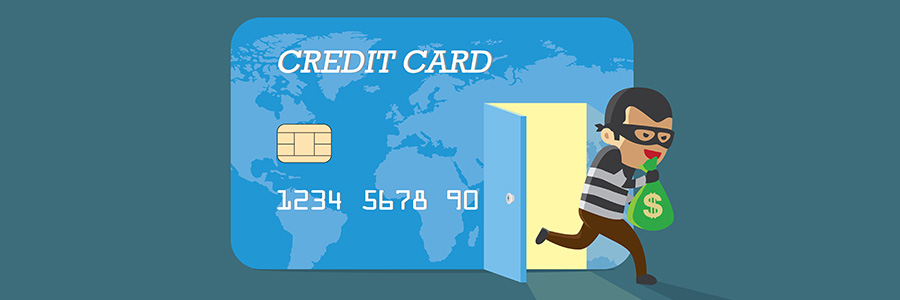
The Autofill feature fills a void in the web browsing habits of many. It eliminates the need to enter all your details when logging on your social media accounts or when checking out your basket after e-shopping. On Chrome and Safari browsers, however, danger lurks when you rely too much on autofill.
