
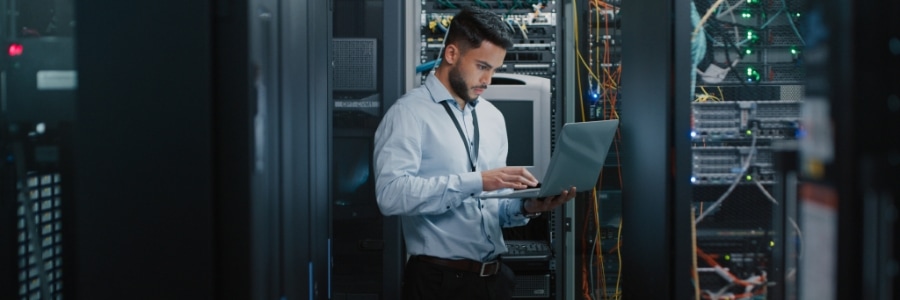
When it comes to managing servers and computers, heat can be a major concern. This is especially true for systems that run resource-intensive applications or operate in warm environments. To avoid these issues, it's important to implement proper cooling strategies.
Practical advice for cooling servers and computers
7 PC energy-saving tips

Saving energy can be challenging when you use your PC every day. In fact, a desktop computer setup (i.e., one that includes loudspeakers and a printer) that is on for eight hours a day uses almost 600 kWh a year. Fortunately, following these PC usage tips can help you conserve electricity.
Save on electricity with these PC tips
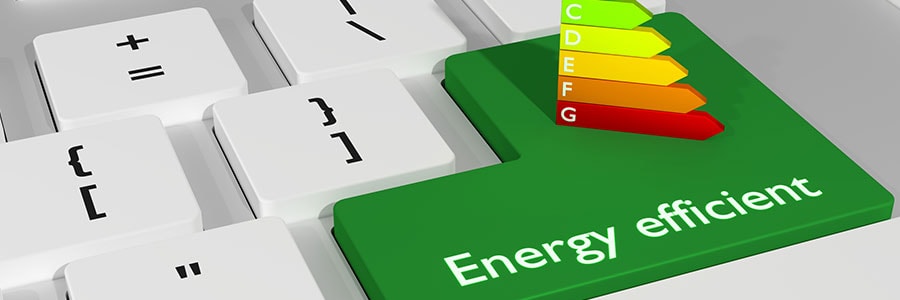
When it comes to saving energy, every little effort goes a long way. The more energy-efficient your PC is, the more money you save. In fact, you can save up to $50 a year if you activate your PC’s power-saving feature. Further increase your savings by following these tips:
1. Unplug your computer when not in use
When you’re not using your computer, it’s best to shut it down and unplug it.
Reduce your PC power consumption

There’s a computer in almost every home and office nowadays. A typical desktop that’s switched on 24/7 for a whole year releases carbon dioxide equivalent to what an average car releases in an 820-mile drive. To save energy, you don’t need to make drastic changes; you can start by making small adjustments that will ultimately lead to significant savings.
Four questions to answer before virtualizing

You’ve probably heard that virtualization saves money, but how can you take advantage of this? Did you know that choosing not to virtualize can hurt your business? Answer these four questions to discover why virtualization is good for you.
Studies have shown that over 70% of IT budgets go to “keeping the lights on.
Should you get an SSD for your Mac?
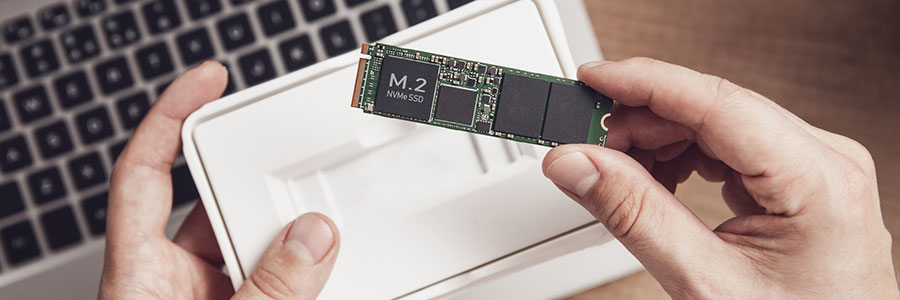
In recent years, solid state drives (SSDs) have replaced hard disk drives (HDDs) as the storage option of choice on personal computers, Mac devices included. Here are some of the numerous advantages of updating your Mac with an SSD.
They’re faster
SSDs have the clear advantage over HDDs in terms of data access speed.
Want to save energy with your PC? Here’s how.

You want to save energy, but you need to use your PC every day. So maybe you just resort to turning off your computer when you’re not using it. But a plugged-in PC or electrical appliance, even when turned off, consumes standby power. Here are some tips on how you can save energy with your PC.
1. Disconnect your external devices
Devices that connect to your PC like printers, sound systems, and webcams consume power, too.
A guide to choosing small business computers

Your employees are some of your business’s best assets. With that in mind, it is imperative that they work with high-performance computers that will unlock their full potential and contribute to your business’s profitability. If only it were that simple.
