
Is leaving your phone on the charger overnight doing more harm than good? In this article, we explain how modern batteries work and clear up common charging myths, without the technical jargon.
How do phone batteries work?
Modern smartphones use lithium-ion batteries.
Always charging your phone? Here’s the real impact on battery life

Why a clean Windows 11 install is best for business

Windows 11’s latest features demand a solid foundation. However, simply upgrading from an older version of Windows can drag old problems into a new system. Starting fresh with a clean installation may be better, and there are several compelling reasons why you should.
Business mobile security: Best practices for safeguarding data

For today’s businesses, mobile devices are more than convenient — they’re essential. They keep teams connected and efficient on the move. But if one device is lost, stolen, or compromised, sensitive company information could be exposed. Follow these practices to protect your company mobile devices.
How dual monitors can improve the way you work

Struggling to manage multiple tabs and windows? Dual monitors offer an effective solution to streamline your workflow, boost multitasking, and improve organization in your workspace. With just one additional screen, you can greatly enhance your productivity.
What to prioritize when choosing computer hardware for your business
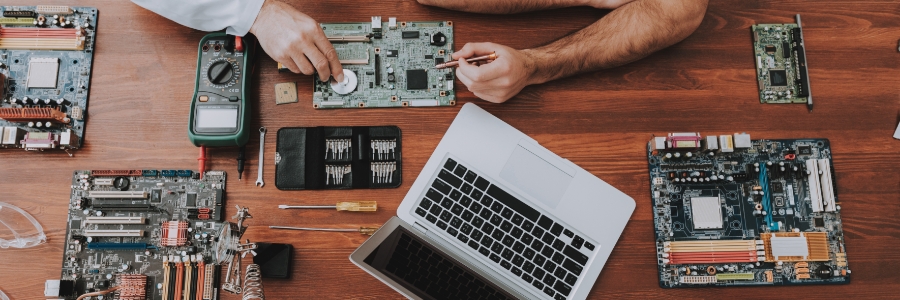
With an overwhelming number of options on the market, choosing the right computer hardware for your business can feel like a daunting task. The challenge is finding the perfect balance between cost and reliability without overspending on features you don’t need.
Boost your productivity: Finding the perfect monitor for your home office

When working from home, factors like a dedicated workspace are crucial, with your computer monitor serving as the cornerstone of your workspace. The right monitor can significantly enhance productivity by optimizing visual comfort, improving focus, and adapting to individual needs and preferences.
The difference between HDD and SSD drives
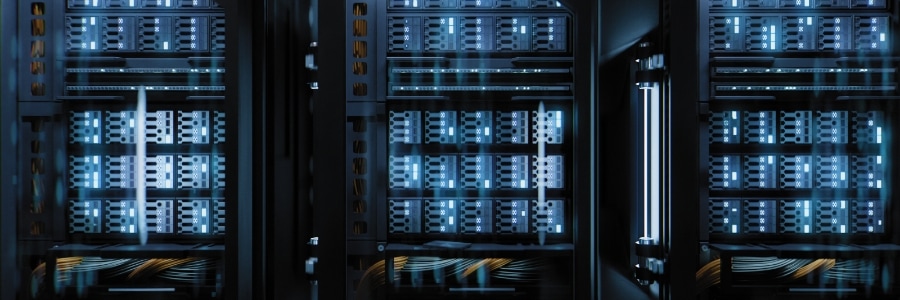
Upgrading your data storage system and can't choose between hard disk drives (HDDs) and solid-state drives (SSDs)? To help you make the best choice for your business and ensure your data system is optimized, we'll walk you through the features of HDDs and SSDs, as well as the pros and cons of each.
A guide to buying a projector for your office
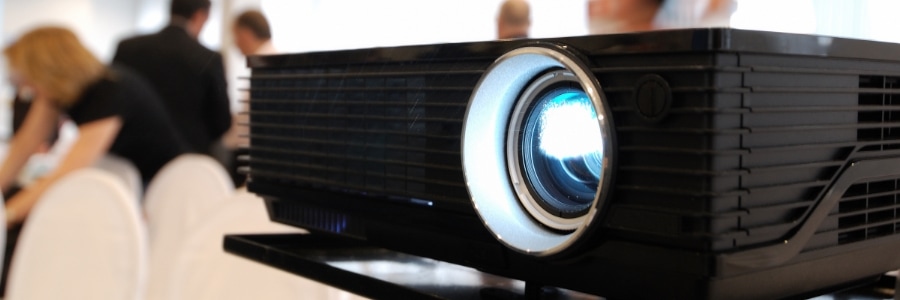
Maximize the impact of your presentations with the ideal projector for your office. This article will help align projector capabilities with your business objectives, allowing you to make a smart choice when purchasing a projector.
Brightness
If your projector doesn’t produce enough brightness, it will yield muddy and blurred images, even when the lights in the room are dimmed or turned off.
How to choose the right mouse: A comprehensive buyer’s guide

One essential tool that often gets overshadowed, but has a surprisingly big impact on your daily tech interactions, is your trusty mouse. Whether you're a graphic designer, a gamer, or an employee who spends hours on the computer, choosing the right mouse can make a world of difference.
8 Energy-saving tips for your PC
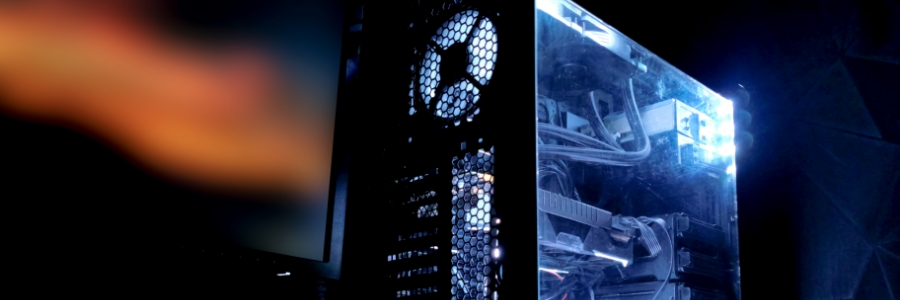
It can be difficult to save energy when using your PC daily is a necessity (i.e., for work). For instance, a desktop setup with loudspeakers and a printer, running eight hours a day, consumes close to 600 kWh of power annually. Fortunately, there are several tips you can follow to help reduce your electricity consumption.
