
You might be looking to upgrade your mouse either because yours is old, incompatible with your PC, or simply because it’s broken. While a trackpad is fine and useful, it doesn’t compare to the convenience of using a mouse. If you’re replacing an old mouse, it’s well worth buying a new one that will suit your needs and last for years.
A brief guide on how to pick a computer mouse

Are your company mobile devices protected?

Mobile devices are indispensable. Smartphones, tablets, and other mobile gadgets play a big part in everyday processes, especially for individuals and companies that value connection and convenience. But as the number of mobile devices used in business operations increases, so do the cyberthreats that target them.
How updated firmware keeps cyberattacks at bay
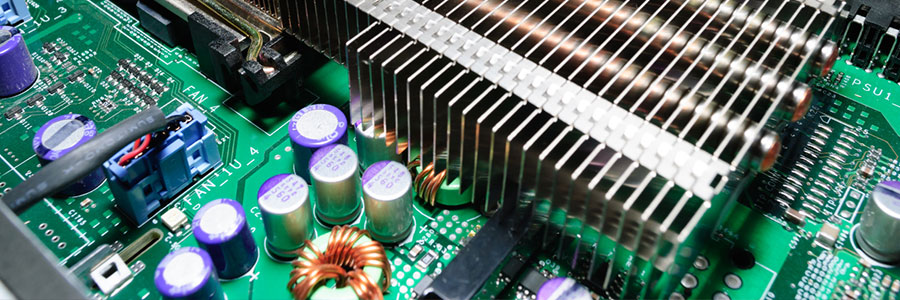
Your business may have all the latest cybersecurity solutions in place, but if you haven’t updated your computers’ firmware in a while, you may still be at risk of data breaches and other cyberattacks. Here’s how updating firmware can beef up your company’s cyber defenses.
Save on electricity with these PC tips
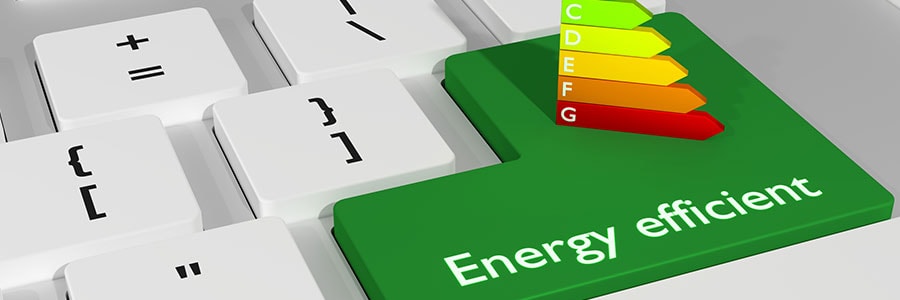
When it comes to saving energy, every little effort goes a long way. The more energy-efficient your PC is, the more money you save. In fact, you can save up to $50 a year if you activate your PC’s power-saving feature. Further increase your savings by following these tips:
1. Unplug your computer when not in use
When you’re not using your computer, it’s best to shut it down and unplug it.
Is it time to replace your Mac?
If you’ve owned a Mac for quite some time, it’s probable that you’ve encountered a few problems with it. After a while, using it can be more of a hassle than a convenience. If you’re already experiencing some major problems, it may be time to replace your Mac.
What to look for when buying a business projector
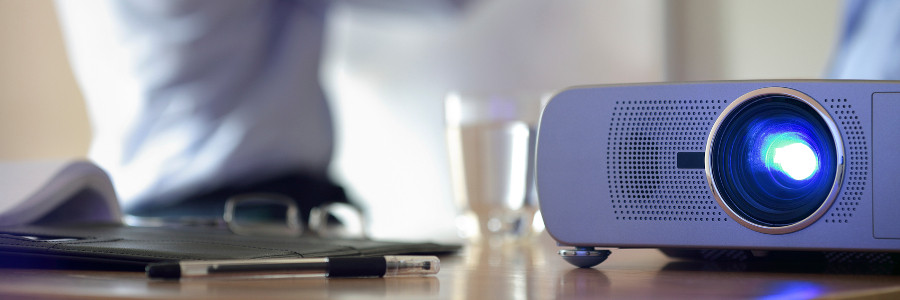
When it comes to business presentations, using a projector is one of the most effective ways to make an impact on your audience. Bright and vibrant projections allow you to deliver your message to your audience while keeping them engaged and entertained.
Prolong the life of your hardware with this checklist
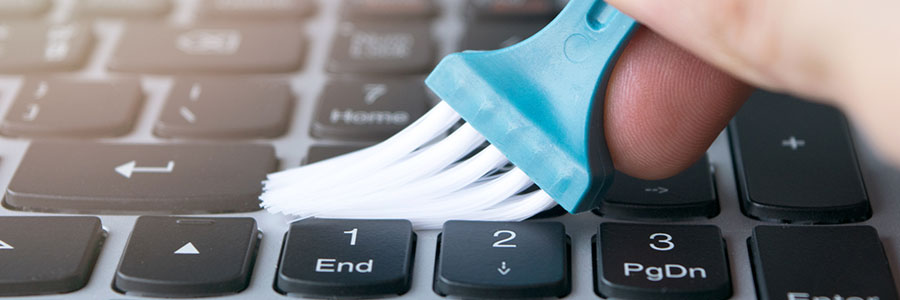
Computers can be costly investments for businesses, which is why it’s important to extend their life as much as possible. By taking care of your computers, you can lower your maintenance costs and avoid constant upgrades. Read on to learn about how you can care for your computers.
Factors to consider before buying new servers
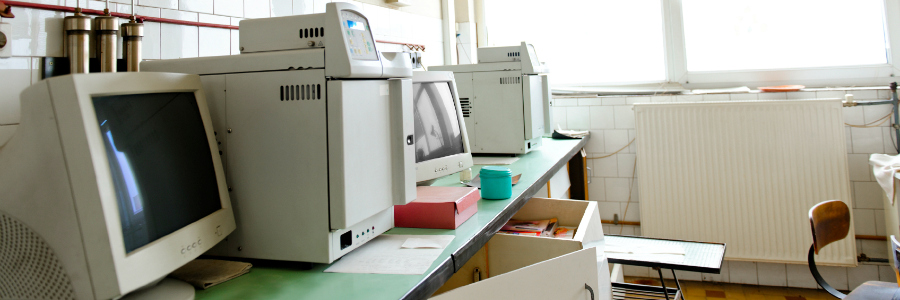
New hardware doesn’t come cheap, which is why many businesses hold on to their old servers long after these machines have stopped being efficient or secure. In this blog, we explain why it’s vital to replace your servers regularly and look at alternatives that offer the same outcomes while helping you save money.
4 Main culprits of slow internet on your smartphone

Are the apps or websites you visit on your mobile phone loading more slowly than usual? If you’re encountering such problems, the issue likely has to do with your internet connection than with your device. Take a look at the four main culprits of a slow internet connection on your mobile device.
Why you should consider SSD over HDD
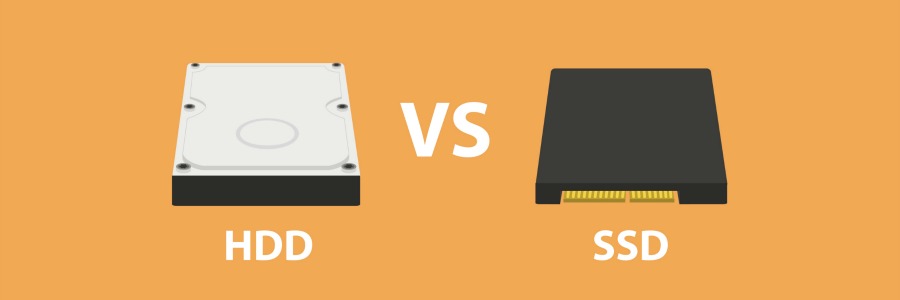
Computer and laptop buyers today need to make a decision between getting either a solid state drive (SSD) or a hard disk drive (HDD) as a primary storage component for their device. But which one is the better choice? In this article we outline the distinct features of SSD and HDD so you can make the right decision for your next purchase.
