
Today’s computer users often forget or are unaware of how much sensitive information their devices store. The ability to save passwords, credit card numbers, and personal messages is undeniably convenient, but it’s also a huge liability. If you’re thinking about getting rid of your Mac, make sure to follow these steps first.
Secure your Mac before discarding it

Should you get an SSD for your Mac?
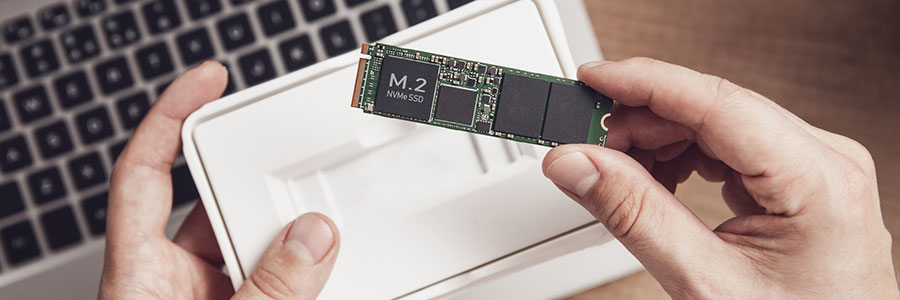
In recent years, solid state drives (SSDs) have replaced hard disk drives (HDDs) as the storage option of choice on personal computers, Mac devices included. Here are some of the numerous advantages of updating your Mac with an SSD.
They’re faster
SSDs have the clear advantage over HDDs in terms of data access speed.
Mac speed issues: Here are tips to fix them

When your previously blazing fast Mac is taking longer than usual to start up, launch applications, or open and save files, something’s clearly wrong. Some users think it’s due to the macOS Mojave update, but it could also be due to other issues.
Best of Mac 2018: Your time-saving checklist

In the IT industry, continuous improvement is the name of the game. Whatever makes a business work faster, smarter, and more effectively is a welcome competitive advantage. If you’re a Mac user, do you think you’re taking advantage of all of the best time-saving tips out there? Here’s a checklist you can use to find out how well you’re using your machine.
6 Tips to keep your Mac computer safe

If you’re a Mac user, data privacy and security should be your #1 priority. Without the right security measures, you’re inviting cybercriminals to steal your critical data. Are you willing to take the risk? Secure your computer and fortify your defenses with these six tips.
Top 5 features picks for macOS Mojave

Apple had recently announced macOS Mojave, the successor to the current macOS High Sierra, and the new features that will arrive with the new operating system. Here are our top five picks.
Dark Mode
Did you ever wish your computer windows were not just plain ole white? If yes, you’re in for a treat.
Chrome: From HTTP to HTTPS

Google Chrome currently marks HTTPS-encrypted sites with a green lock icon and “Secure” sign. And starting in July, Chrome will mark all HTTP sites as "not secure.” Google hopes this move will nudge users away from the unencrypted web. Read on to learn more about the forthcoming changes.
Can the “Black Dot” bug be fixed?

People who use iPhones, iPads, and Macs are at risk of encountering a Unicode attack that can cause the messaging app to crash and lock up the device. The good news is a workaround has been found which can restore the state of said Apple products.
What is going on?
A bug, known as "Black Dot,” is locking the messaging app on Apple devices running iOS 11.3 and 11.4 beta with Apple TVs and Apple Watches also at risk.
Outlook gets new features
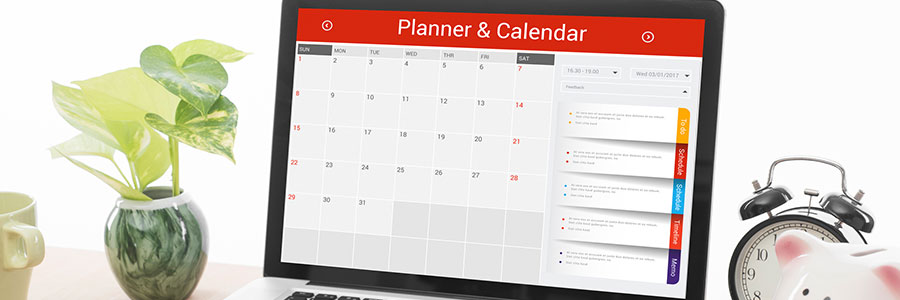
Lately, Microsoft has given some love to Outlook -- not just the desktop app, but also the web and app versions. In fact, they just released a bunch of new and improved features. Let's take a look.
#1 RSVP
Outlook makes it fairly simple to invite people to a meeting, but now it will also keep tabs on who's coming.
Time Machine: How to back up your Mac

There’s a popular belief that Macs are the most reliable computer brand because they are less likely to get viruses or crash often – but they do. And like any other computer, Macs aren’t invulnerable to coffee spills, theft, and crashes. When these happen, the Time Machine is your friend to restore your data.
