
In the IT industry, continuous improvement is the name of the game. Whatever makes a business work faster, smarter, and more effectively is a welcome competitive advantage. If you’re a Mac user, do you think you’re taking advantage of all of the best time-saving tips out there? Here’s a checklist you can use to find out how well you’re using your machine.
Best of Mac 2018: Your time-saving checklist

Enlist IT help when installing CPU updates
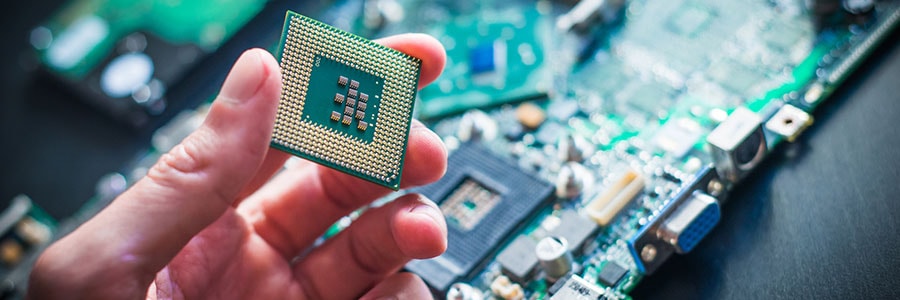
It’s been three weeks since one of the worst IT security vulnerabilities in history was announced, and consumers are still receiving mixed messages about how to protect themselves. We usually encourage users to install software updates as often as possible, but when it comes to Meltdown and Spectre, that advice comes with an asterisk.
Apple fixes major macOS security flaw

With new vulnerabilities discovered every day, it’s important for users to keep their computers up to date. The problem is many find this process tedious and sometimes ignore it altogether. But if you’re a Mac user, we urge you to install the latest patch as soon as possible.
Apple releases KRACK patch in latest OS

The macOS 10.13.1 High Sierra update “improves the security, stability, and reliability of your Mac and is recommended for all users.” This is a standard message in most operating system updates, but users seldom pay heed. This time, however, Apple’s latest Mac OS includes a security update that’s essential to keeping your devices safe from KRACK.
Why you should update now
Foremost on Apple’s list of macOS updates is the addition of 70 new emojis.
New vulnerability discovered in High Sierra

A glaring security mistake has been discovered in Apple’s most recent desktop operating system. It’s not the sort of vulnerability that requires complicated malware or IT knowledge; anyone can learn this exploit in a matter of minutes to steal your password.
macOS High Sierra: what you need to know

macOS High Sierra, Apple’s newest desktop operating system, aims to enhance current features, fix problems, and improve overall user experience. A long list of refinements await iMac and MacBook users, but here are the ones businesses will find most useful.
Benefits of virtualizing Windows on your Mac

A common reason for running the Windows operating system (OS) on a Mac computer is to bypass compatibility issues. Virtualization is the only way to efficiently install OS-specific software on any machine, so let’s go over some of the ways this solution creates synergy between the two platforms.
Don’t let your old PC go to waste!

When smartphones first outsold PCs in 2010, people no longer have to put up with slow and bulky computers to do business. This comes as no surprise why many stashed their aged PCs away. But there are ways to breathe new life into your ancient laptop and computer, so if you haven’t trashed them, it’s time to plug them in.
Beware the Mac malware stealing bank info

In yet another sign that Apple computers are no longer being ignored by hackers, a successful piece of Windows-based malware has been rewritten for MacOS. Instead of encrypting data and holding it for ransom, OSX.Dok skips the extortion and simply steals your bank account information.
macOS High Sierra 101

High Sierra -- Mac’s first full OS upgrade since Snow Leopard in 2009 -- has finally been released as public beta. But users who expect shiny new features might feel slightly disappointed as the new OS’ most useful updates are actually under the hood.
