
Whether you're a freelancer adjusting to the remote work lifestyle, or a seasoned professional seeking to streamline your productivity, Android office apps offer a wealth of solutions. That’s why you should install the following essential office apps to enhance your remote work experience:
1. Todoist: Robust task management
Todoist is a versatile task management app that allows you to prioritize, organize and create tasks with ease.
Top productivity and efficiency boosting Android apps

Proven business continuity strategies to safeguard your operations

Businesses operate in a volatile world where unforeseen events such as cyberthreats and natural disasters can strike at any moment. To ensure your company's survival, it's essential to have the following business continuity strategies in place.
Back up your data
The most effective way to ensure business continuity is to back up your data regularly.
How to mitigate remote work security risks

In recent years, remote work has become more popular. While this working arrangement offers many benefits, it also creates numerous security risks. This blog post will provide tips on how to improve your and your employees’ cybersecurity when working remotely.
What are business phone systems capable of today?

As the world becomes increasingly interconnected, businesses require robust and versatile communication systems to maintain a competitive edge. Today’s business phone systems have evolved to meet these demands, leveraging the power of cloud and cutting-edge technologies.
Do you have the right internet bandwidth for remote working?

Since the outbreak of COVID-19, many companies have had to change their mode of operation by requiring employees to work from home. However, many remote workers are quickly learning they can't do their job adequately because they don't have enough internet bandwidth.
Work from home exercises to help you stay fit

Commuting to work and walking around the office to talk to coworkers helps burn calories throughout the day. But when you’re working from home, the amount of physical activity you do tends to be much less, which can negatively impact your physical and mental well-being.
Work from home security best practices

In many industries, remote working is becoming an increasingly popular option for employees. But with the freedom and flexibility of working from home comes a new set of cybersecurity risks. Read on to learn security best practices for remote workers.
Finding the best work from home laptop
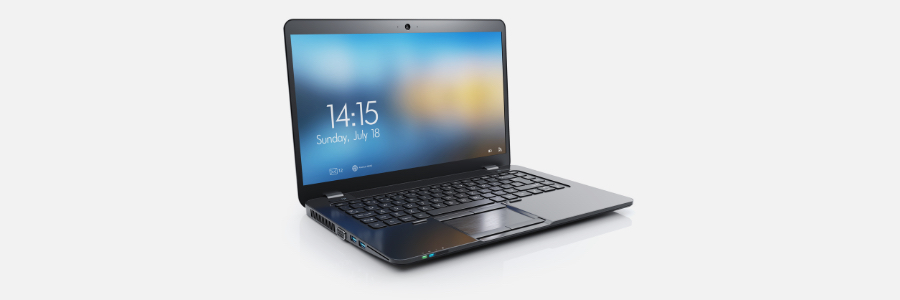
Whether you’re performing some light web browsing or doing graphics-intensive tasks, you’ll need a suitable laptop that can support your work from home requirements. When working remotely, your laptop is often your most important tool. It's the foundation of the work you take on and should match your individual and professional needs.
What are the business benefits of adopting new IT?

Keeping up with changes in business technology can be difficult for small- and mid-sized businesses like yours. However, upgrading your company’s technology is something you can’t afford to put off or ignore completely — not if you want to stay relevant and competitive.
Internet bandwidth requirements for remote workers

Working from home is here to stay, and more businesses will continue to implement either a fully remote work policy or adopt a hybrid work model strategy. Some employees, however, may find it difficult to be as productive at home as they are at the office, especially if they don’t have sufficient internet bandwidth.
