
The long-anticipated Windows 11 2022 update, or Windows 11 version 22H2, has now been released. This upgrade was the result of a year of development and testing done through the Windows Insider Program. Here are the latest changes and features that come with this update.
What you need to know about the new Windows 11 update
Get rid of Windows 11 ads by following these steps
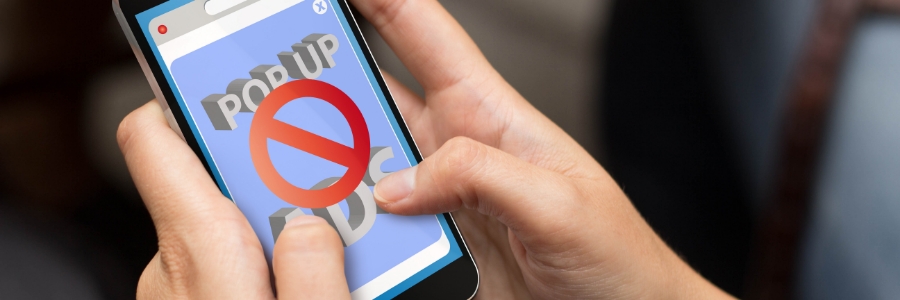
Seeing ads while browsing the internet is normal, and many people are used to it. But Windows 11 users may be surprised to see ads right on their local computer. Not to worry, though, as there are several solutions to that problem. Get rid of Windows 11 ads permanently by following these steps.
Tips to customize Windows 11 settings
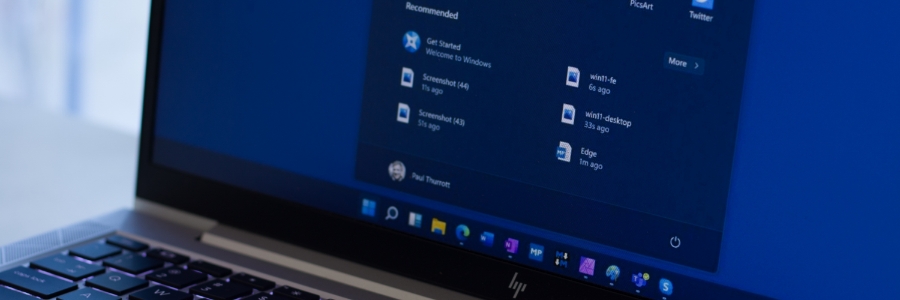
Windows 11 is packed with new features and customization options. Whether you want to add some aesthetic elements to your desktop, change it back to that familiar Windows look, or simply tweak certain settings, you can customize the operating system based on your preferences.
Useful Windows 11 keyboard shortcuts you should know about

Keyboard shortcuts are great for saving time and improving productivity. From running commands to navigating through multiple window layouts, here are essential Windows 11 keyboard shortcuts you should know.
General Windows 11 shortcuts
These shortcuts are for general functions, such as copy, cut, paste, and more.
Windows 11: First things to set up and customize

Microsoft’s Windows 11 operating system offers a number of improvements over Windows 10, including a new Start menu and a more functional Taskbar. If you have just purchased a laptop running on Windows 11, or are planning to upgrade your current device, then you will need to know how to set it up.
Must-try Windows 11 customization features
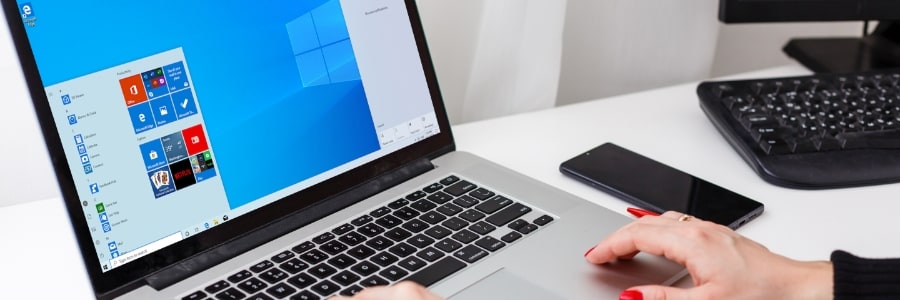
Windows 11, the newest operating system from Microsoft, is a breath of fresh air for PC users. Designed to provide a personalized experience, it offers many ways to change your PC’s interface, from how windows look to how apps can be accessed. Here are some Windows 11 customization features that will give you more control over your PC settings.
Windows 10 and 11 keyboard shortcuts you need to know
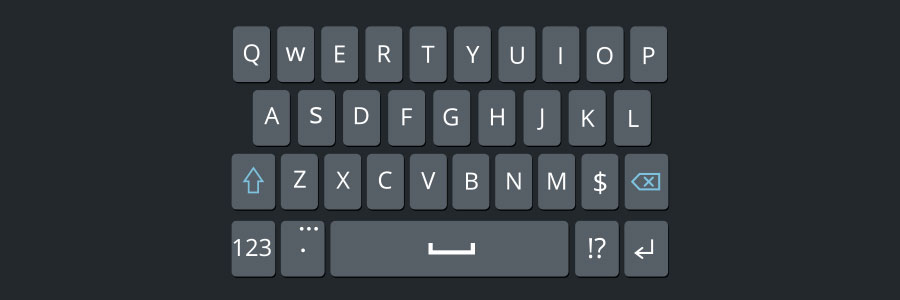
Using keyboard shortcuts activate computer commands faster than dragging a mouse. If you’re using Windows 10 or 11, you may want to try out the following keyboard shortcuts.
Snap
Snap allows you to put two to four windows side by side, making it easier to compare documents or do two things at the same time.
Simplify logging in with Windows Hello

You can now log in faster and more securely to your Windows 10- or 11-powered device with Microsoft’s Windows Hello. This feature allows you to log in to your computer without having to enter a password. All you need is a fingerprint, iris, or facial scan, or a PIN code.
Disable these disruptive Windows 11 settings now
The Windows 11 operating system is growing in popularity among businesses. However, just like its predecessor, it can have some intrusive privacy settings enabled by default. Luckily, you can easily turn these settings off to protect your privacy.
Turn off personalized advertising
Windows 11 features targeted ads as suggestions, recommendations, and tips on your device’s user interface.
Read this before upgrading to Windows 11
Windows 11 is out. And with its sleek design and new features, it’s no wonder that so many people are considering upgrading. But should you switch to the newest Microsoft operating system (OS)? Here are some reasons why you may want to wait.
1. Your computer doesn't meet Windows 11 minimum system requirements
One of the main reasons that can keep you from upgrading to Windows 11 is that your computer might not be able to run it.
