
So you’ve just unboxed your brand new laptop — what do you do next? Before you start using it to surf the internet or finish your tasks for the day, take these steps to optimize its performance and ensure it meets your needs.
1. Update your laptop’s operating system
One of the first things you should do before using your laptop is to update its operating system (OS). Assuming you did not purchase the laptop when it was first released, it will still be running an older OS. Because important patches and fixes are released with each new update, you must install the latest ones to ensure your laptop doesn’t have vulnerabilities that malicious third parties can exploit.
5 Ways to optimize your new laptop
Empower your business with Microsoft 365

Microsoft 365 isn’t just a new name for the tech giant’s old product Office 365. The new software comes with chock-full of tools that will empower employees, protect data, and provide business leaders with comprehensive oversight and control. Check out its features below.
An overview of the May 2020 Windows 10 update
Microsoft keeps to its commitment to innovation, function, and form with its latest iteration of Windows 10, coming out in the last week of May 2020. Security patches and critical system updates come as standard, but users can also expect quite a few more changes to the operating system.
Remote work policy tips for Windows and Office users
With businesses making adjustments due to the COVID-19 pandemic, concerns about data integrity of work from home (WFH) setups have multiplied. But as long as you can properly configure Windows and Office, your business data will always remain protected.
5 Nifty uses for your old computers
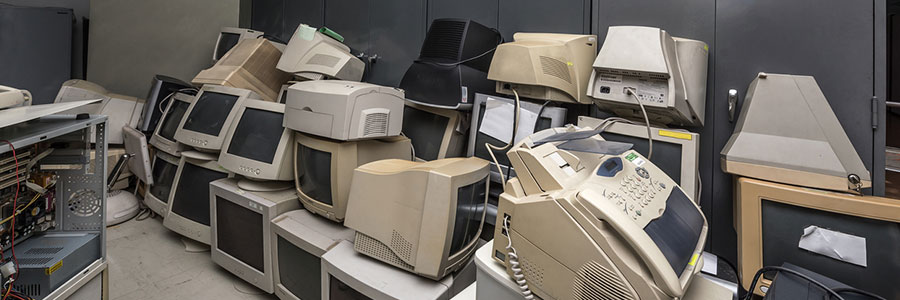
Don’t be so quick to dump that old computer! Despite being slow and clunky, your old desktop or laptop may still add value to your business. There are many uses for old PC hardware, and here are five of them.
Make a NAS server
Network-attached storage (NAS) is a server for your small business network that lets you store files that need to be shared with all the computers on the network.
Microsoft adjusts how Windows 10 is updated

Having problems with your Windows 10 updates? Perhaps they’re incompatible with your latest driver update. To prevent such issues from happening, Microsoft has changed the Windows 10 update system.
First, let’s distinguish between driver updates and operating system (OS) updates:
Driver updates – A driver is software that allows your computer’s OS to communicate with various hardware devices connected to your computer.
Free up space with the Disk Cleanup tool

To regain peak performance of your Windows PC, you must remove unnecessary files from your drive by using the Disk Cleanup tool.
An ad-free Windows 10 with File Explorer

No matter what version of Windows you’ve got—the free upgrade, the licensed OS, or the Professional version—you will see ads and notifications. Though at times helpful, they can get tiresome. You can’t even manage your own files in File Explorer without seeing one.
Clean your desktop to optimize your PC

Have your computers slowed down? As a business owner, you rely on your PC to get work done and keep productivity up. But a cluttered desktop can lead to lagging systems. Here are simple fixes to get you back on track.
1. Before you begin, do a bit of recon
Before you go about deleting everything from your desktop, think about what you really want to keep.
The benefits of hosted Exchange
Servers can host almost every type of business program, with email being one of the most common. When businesses look for email server services, they look for Microsoft Exchange. But if you're looking to save on infrastructure costs, you might want to consider Microsoft's hosted Exchange.
