
Laptops may not be the most powerful computers, but the benefits they provide are undisputable. For one thing, they deliver a similar user experience as your huge desktop PC, but much more conveniently and affordably. But before you reap their many benefits, here are five steps you should take before using them to improve their performance.
Enjoy an improved laptop experience

Details about Microsoft’s lightweight OS
Microsoft is reportedly working on a new, lightweight version of Windows. The operating system (OS), currently known as “Windows Lite,” is said to be Microsoft’s answer to Google’s Chrome OS. There are still plenty of unanswered questions about the OS, but here’s what we know so far.
Make the most out of old PCs

It’s inevitable. Sooner or later, you’re going to have to replace your computer. But while it may not be as fast as when you first got it or as sleek as your new computer, your old desktop or laptop might still have a lot to offer— after upgrading it a little, that is.
Windows virtualization for Mac use

If you own an Apple computer, you might think it’s impossible to install Windows-based software on it. But with operating system (OS) virtualization, you can run any application you want and enjoy exciting new cross-platform features.
Configure an entire machine with a few clicks
With programs like VMware and Parallels, installing Microsoft’s OS on your Mac is almost as easy as creating a new document in Office.
Best of Mac 2018: Your time-saving checklist

In the IT industry, continuous improvement is the name of the game. Whatever makes a business work faster, smarter, and more effectively is a welcome competitive advantage. If you’re a Mac user, do you think you’re taking advantage of all of the best time-saving tips out there? Here’s a checklist you can use to find out how well you’re using your machine.
Preparing for Windows end of support

Microsoft only supports each version of Window for a certain period and the end of its support for a software product can be a significant challenge for businesses. Currently, Windows 7 is on "extended support" until January 14, 2020. What does it mean when Microsoft terminates support of your Windows version? Let’s have a closer look.
Cortana commands everyone should know
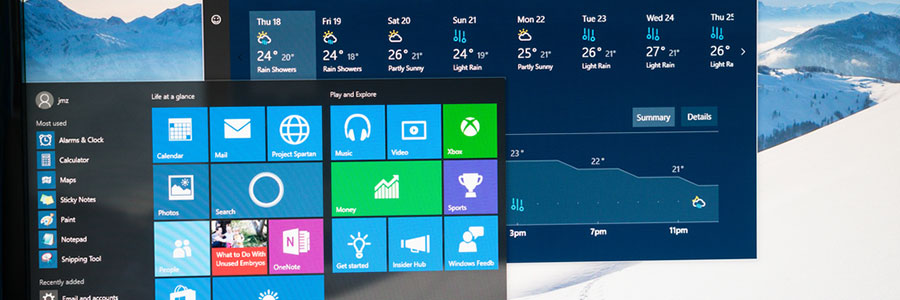
You’ll find Cortana, Microsoft's voice-activated personal assistant, extremely helpful for daily tasks, like rescheduling meetings, drafting an email, or dealing with several other time-consuming work. Learn how to use the following Cortana commands to make life so much easier for you.
Fix these five problems in Windows 10 now
The latest Windows 10 update may have improved multitasking and login authentication processes, but it does have its downsides. From stuck updates to shrunk storage space, we got you covered on how to fix five of the most frustrating Windows 10 issues.
Windows 10: Your PC, your way

Whether you want to have a darker color scheme, run several apps at the same time, or display multiple desktops, Windows 10 gives you many options to personalize your PC. And while some customization options are less obvious than others, it is worth the effort to get your Windows 10 to look and function the way you want it to.
What to consider before you buy a new PC

Tech items like computers are likely to be among the most popular gifts for your loved ones. But there are so many different computers out there that finding the perfect one can be difficult. We’ve outlined some tips that will help you understand more about computer parts and how to make the right choice.
