Things you didn’t know you could do on Windows 11 Task Manager

This article explores the lesser-known features of Windows 11's Task Manager, offering valuable tips and tricks for optimizing system performance, troubleshooting issues, and gaining better control over your computer.
Unlocking Task Manager's potential
When you launch Task Manager with Ctrl + Shift + Esc, there are several features you might not be using.

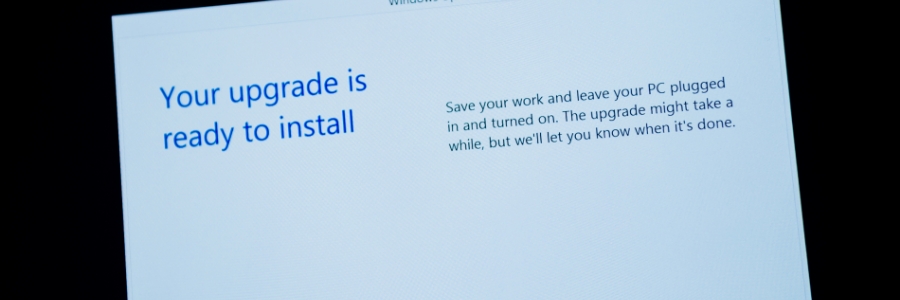
The End of an Era: Why It’s Time to Upgrade to Windows 11

As we approach the end of extended support for some of Microsoft's most popular products, it's crucial to understand what this means for your organization and why upgrading to Windows 11 is a smart move.

End of Extended Support for Windows 10, Office 2016, and Office 2019

Microsoft has announced that extended support for Windows 10 will officially end on October 14, 2025. This means that after this date, Microsoft will no longer provide security updates, bug fixes, or technical support for Windows 10. Similarly, Office 2016 and Office 2019 will also reach the end of their extended support on the same date.

A short guide to transferring files from your phone to your computer

The process of transferring files from mobile device to PC isn’t the same for everyone, as different devices have different interfaces and compatibilities. Discover the most effective strategies for transferring files between your Windows PC and phone in this blog post.

Elevate your business operations with Windows 365

Staying ahead of technological advancements is crucial for today’s businesses to maintain a competitive edge. With Windows 365, Microsoft's innovative Desktop-as-a-Service offering, businesses can operate with much greater efficiency.
What is Windows 365?
Windows 365 is a subscription-based service that allows users to access a fully functioning version of Windows from anywhere, using any device.

Optimize your Windows 11 experience by getting rid of bloatware

Want to make the most of your Windows 11 PC? Removing bloatware is a crucial step. Learn how to easily uninstall unnecessary applications and declutter your system for a smoother and more efficient experience.
What is bloatware?
Bloatware, also known as junkware or crapware, refers to preinstalled software on your device that is often unnecessary and takes up storage space and resources.

Essential tips and fixes when Windows won’t boot

When your Windows PC fails to boot, it's essential to understand the potential causes and how to address them effectively. Boot issues can be caused by corrupted system files, hardware failures, or problematic software updates. Fortunately, there are several troubleshooting methods you can use to pinpoint the root cause and fix the issue.

Windows webcam security: Essential tips to protect your online privacy

Businesses need webcams to conduct remote meetings and online conferences, but these devices can also pose a significant security risk if not properly protected. It's therefore important to be proactive in securing your webcam to prevent any potential breaches of confidentiality and sensitive information.