
So you’ve just unboxed your brand new laptop — what do you do next? Before you start using it to surf the internet or finish your tasks for the day, take these steps to optimize its performance and ensure it meets your needs.
1. Update your laptop’s operating system
One of the first things you should do before using your laptop is to update its operating system (OS). Assuming you did not purchase the laptop when it was first released, it will still be running an older OS. Because important patches and fixes are released with each new update, you must install the latest ones to ensure your laptop doesn’t have vulnerabilities that malicious third parties can exploit.
5 Ways to optimize your new laptop
How softphones enhance business performance

When working remotely, there are many tools your business can use to communicate. You have email, old-fashioned phone calls, internal discussion forums, and issue tracking software. However, if you want to dramatically improve business performance, softphones are the way to go.
Extend your MacBook’s battery life with this feature
If you’re concerned about your MacBook’s battery life, then a new feature from Apple is good news. Called Battery Health Management, it is designed to reduce the negative effects of overcharging on your device's battery. This feature will be released with the new macOS 10.15.5 Catalina update.
5 Nifty uses for your old computers
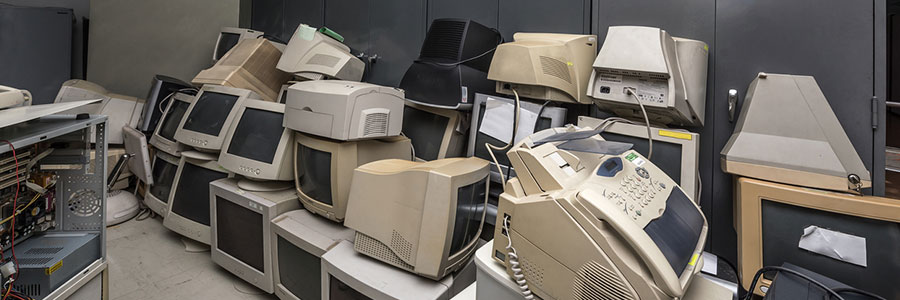
Don’t be so quick to dump that old computer! Despite being slow and clunky, your old desktop or laptop may still add value to your business. There are many uses for old PC hardware, and here are five of them.
Make a NAS server
Network-attached storage (NAS) is a server for your small business network that lets you store files that need to be shared with all the computers on the network.
Computers for a small business: Laptop vs. desktop

As an entrepreneur, you've got your hands full making choices that can make or break your company. One important decision is choosing your small- to mid-sized business’s (SMB) computer hardware, whether you should invest in desktops or laptops. The following are valuable considerations on how to make the best choice between the two.
Cooling tips for an overheating laptop

Aside from coffee spills, the greatest threat for your laptop is overheating. This can cause hardware failure and permanent damage to your device. To improve the performance and increase the lifespan of your device, follow these tips.
Causes of overheating
Laptops generate heat when in use.
Enjoy an improved laptop experience

Laptops may not be the most powerful computers, but the benefits they provide are undisputable. For one thing, they deliver a similar user experience as your huge desktop PC, but much more conveniently and affordably. But before you reap their many benefits, here are five steps you should take before using them to improve their performance.
Stretch your laptop’s battery life
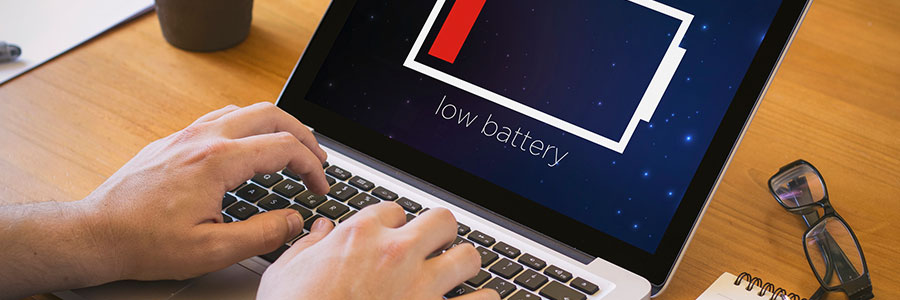
If you want to use your laptop in an airport, a co-working space, or a cafe, the first thing you would look for is a power socket. If you are not lucky enough to find an available outlet, you'll have to depend on your laptop's battery (assuming it still has power after your last charge). The following tips should optimize your laptop's battery so it will last long.
PC makers struggle to meet demand
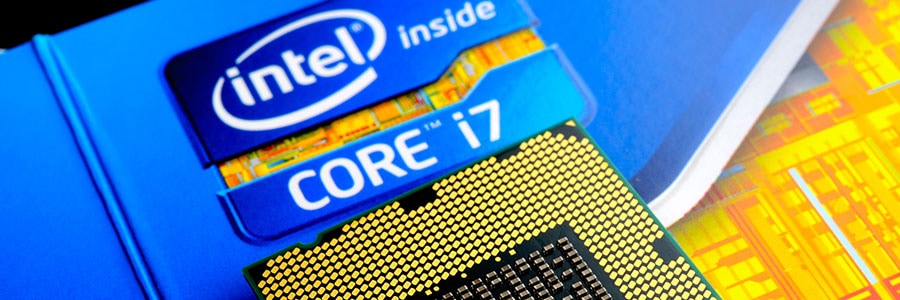
Consumers and businesses increasingly rely on powerful computers to run high-tech applications. But in the coming months, they may have issues obtaining the PCs they need. Since 2018, Intel has reported a processor shortage, which some experts believe may not be resolved until the latter half of 2019. Read on to learn more.
Make the most out of old PCs
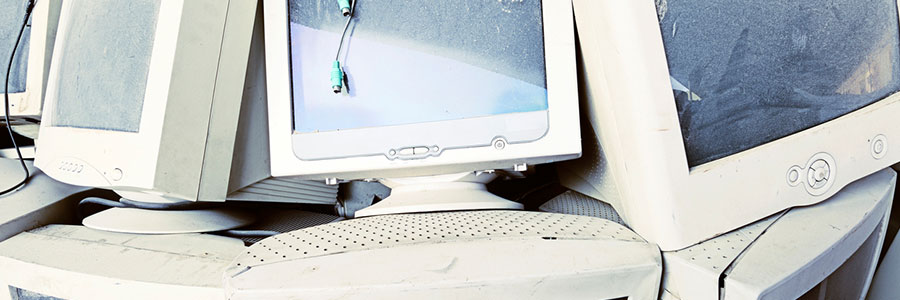
It’s inevitable. Sooner or later, you’re going to have to replace your computer. But while it may not be as fast as when you first got it or as sleek as your new computer, your old desktop or laptop might still have a lot to offer— after upgrading it a little, that is.
